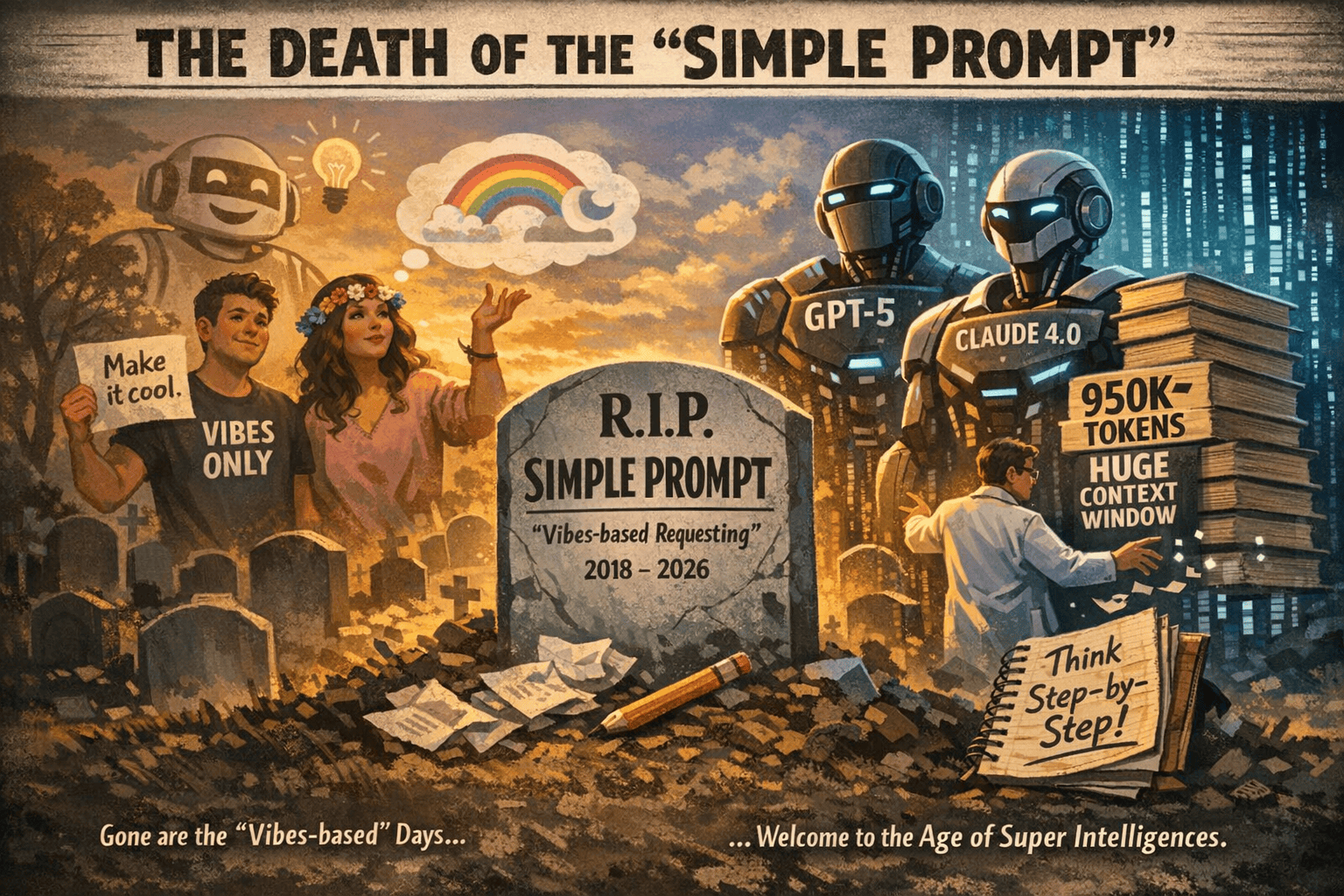
Today’s LLMs like GPT-5 and Claude 4.0 have enormous memory. They can “see” nearly a million tokens at once. This means they remember entire documents, codebases, or books. We no longer rely on vague “creative” prompts or step-by-step hand-holding. Instead, we give clear instructions up front. For example, instead of asking the AI to “think out loud” with chain-of-thought (which leads to long, error-prone answers), we simply specify the role, context, constraints, and format in our prompt.
The RCCF Prompting Framework
The new standard is the Role-Context-Constraints-Format (RCCF) framework. Each prompt is built from four parts:
- Role: Define the AI’s persona or job (tone, style, expertise).
- Context: Explain the situation or background.
- Constraints: Give rules or limits (word count, style, forbidden content).
- Format: Specify the output structure (JSON, markdown, bullet list, etc.).
Role: “You are a technical writer who hates buzzwords.”
Context: “This docs page is for engineers who’ve never used our payment API.”
Constraint: “Include exactly one code example. No exclamation points. Under 300 words.”
Format: “Markdown with H2 headings and bullet points only.”【17†L321-L329】
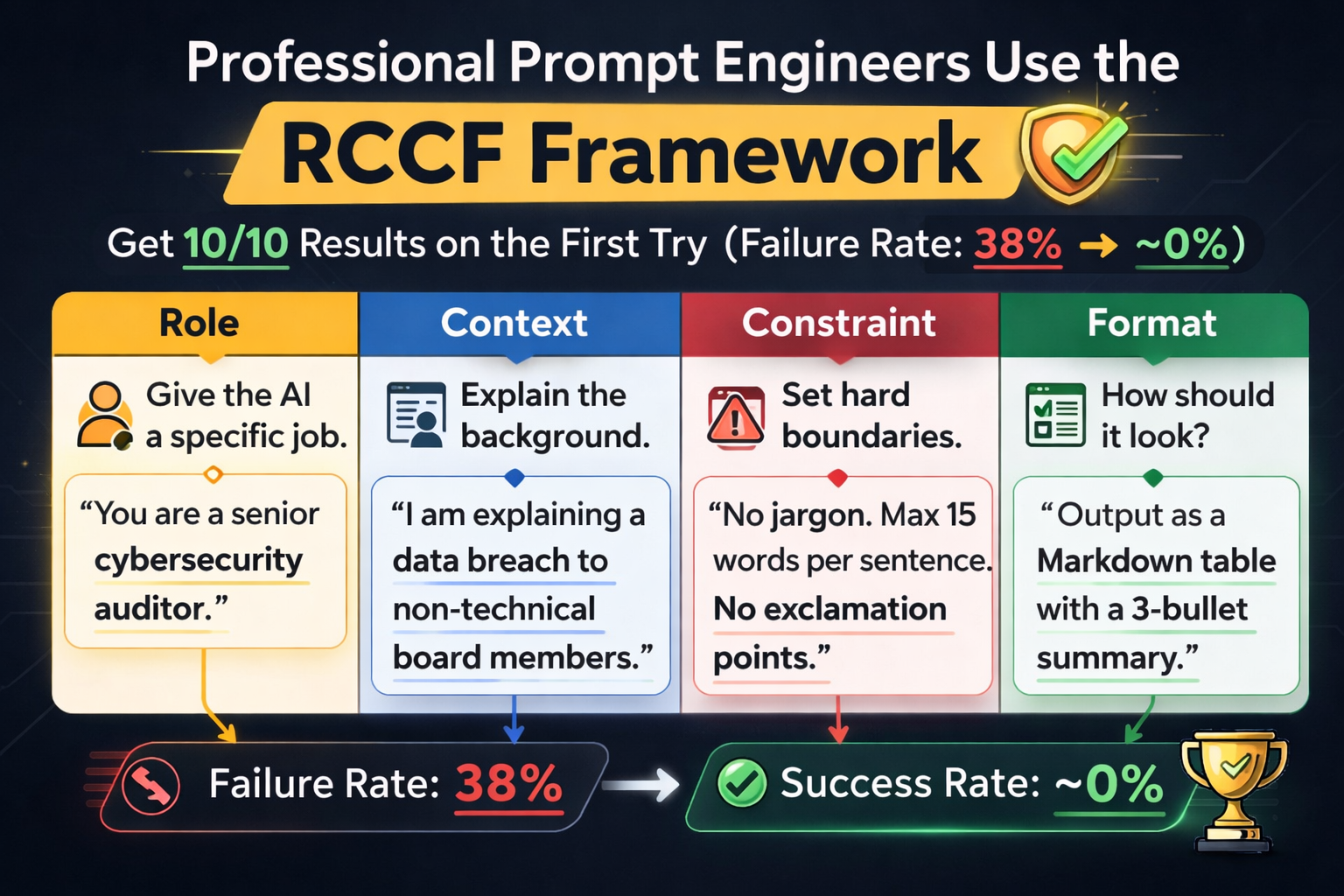
| Component | What it means | Example |
| Role | Give the AI a specific job. | “You are a senior cybersecurity auditor.” |
| Context | Explain the background. | “I am explaining a data breach to non-technical board members.” |
| Constraint | Set hard boundaries. | “No jargon. Max 15 words per sentence. No exclamation points.” |
| Format | How should it look? | “Output as a Markdown table with a 3-bullet summary.” |
System Orchestration Patterns (Multi-Agent AI)
For even more complex tasks, modern AI uses multi-agent orchestration. Instead of one model doing everything, we set up several specialized “agent” models and a supervisor to coordinate them. Think of it as a mini software architecture: each agent is like a microservice.Fig: Multi-agent AI pipeline for unstructured data (e.g. insurance claims). A Supervisor Agent routes tasks (1,2,3) to specialized AI agents for classification, transcription, analysis, etc. For example, AWS describes an insurance data pipeline where a Supervisor Agent takes raw claims documents and then calls different agents for classification, conversion, metadata extraction, and analysis. In customer support, one agent might handle billing questions and another handles product issues, while a central supervisor routes each query appropriately. In content creation, agents can split tasks (planning, writing, editing) and work in parallel. IBM defines this orchestration as “coordinating multiple specialized AI agents within a unified system”. The benefits are clear: parallel processing, better domain expertise, and easier debugging. Each agent can be tuned to one job, and the system as a whole scales by adding or swapping agents.
Common patterns include:
- Supervisor/Collaborator Model: A central agent (the manager) distributes tasks to specialists (e.g. one for data analysis, one for summarization).
- Pipeline Model: Data flows through a series of agents (like an assembly line), with each agent handling one step (e.g. text cleanup → translation → summarization).
- Network/Chain Model: Agents can pass results or “thought bubbles” to each other dynamically, if needed.
These orchestrations are being used in real workflows. For instance, some data teams use a chain of AI agents to turn raw datasets into reports – one agent loads data, another analyzes it, a third writes the summary. In content teams, pipelines run meeting notes through summarization, drafting, SEO-checking, and formatting agents. And in support centers, AI agents can resolve simple inquiries (status checks, FAQs) while escalating complex ones to humans. The result is faster, more reliable AI work.
Why Chain-of-Thought Prompting Is Outdated
Remember when “think step-by-step” prompts were all the rage? With GPT-5/Claude, that’s no longer needed. In fact, forcing the model to spell out its reasoning in text often slows it down and causes more errors. A recent guide notes that requiring free-text reasoning leads to a ~38% retry rate, but simply demanding a structured output (JSON, tables, etc.) cuts that to ~12%. Modern LLMs already know how to reason; we need to give them clear targets insteadFig: A programming editor with an “AI Actions” menu (Explain Code, Find Problems, Generate Code, etc.) overlaid. This shows how AI tools now use structured commands rather than vague prompts. Today, many tools offer structured interfaces for AI. For example, OpenAI’s plugin and schema APIs force models to output valid JSON or fill form fields, effectively constraining the generation. Instead of a human writing “explain this code” in English, the interface might call a function like ai_explain_code(code, language) under the hood. This eliminates much of the guesswork. As one AI researcher puts it, “better prompts” are giving way to “better schemas” – essentially turning prompts into strict API specifications. In short, we’re moving from free text to well-typed outputs.
The takeaway: stop telling the AI to “show its work.” Instead, tell it what format to use and what to include. For instance, an engineering prompt today might say: “Output a JSON object with fields summary, title, and key_points” rather than “Write a list of key points.” This structured approach forces the model to conform to rules, cutting hallucinations and guesswork.
Old vs. Modern Prompting
| Approach | Pros | Cons | Example |
|---|---|---|---|
| Vague Prompt | Easy to write; leaves creativity to AI. | High error rate; often requires retries. | No structure. E.g. “Write a marketing email.” |
| Chain-of-Thought | Can reveal reasoning; step-by-step explanation. | Slow and verbose; still error-prone. | E.g. “First, outline the solution step by step… Then answer.” |
| RCCF Structured | Precise, high accuracy; quick single-shot success. | Requires more upfront thought (but saves time overall). | Role: “You are a tech writer.” Context: “…payment API.” Constraint: “≤300 words, no jargon.” Format: “Markdown bullets.” |
Practical Prompt Templates (Copy-Paste Ready)
- General Content Task:
vbnet
Role: "You are an expert copywriter." Context: "We are launching a new eco-friendly gadget." Constraint: "Include 3 product benefits. Keep tone enthusiastic. ≤150 words." Format: "Paragraph with a heading and bullet list of features." - Technical Explanation Task:
vbnet
Role: "You are a software engineer teaching beginners." Context: "Explain recursion in simple terms." Constraint: "Use a real-world analogy, no math formulas, ≤200 words." Format: "Markdown with an H2 title and a short example." - Support Q&A Task:
vbnet
Role: "You are a friendly customer support bot."
Context: "Help with placing an order on our website."
Constraint: "Use polite language and step-by-step instructions."
Format: "Numbered steps in plain text."
Feel free to copy and adapt these templates for your needs. Each one follows RCCF and should work reliably with modern LLMs.
3-Step Editor’s Checklist
- Define RCCF up front – Always start your prompt by setting the Role, Context, Constraints, and Format. This front-loads the requirements. For example, specify who the AI is (persona) and what the audience/context is.
- Require structured output – Tell the model exactly how to format the answer (JSON, HTML, Markdown, lists, etc.). Using structured prompts (like JSON schemas) cuts errors dramatically. For instance, say “return a JSON with keys X, Y, Z” or “use markdown headers”.
- Build in validation – Add a self-check or test step if accuracy matters. Ask the AI to list test cases, cite sources, or verify facts as part of the answer. This constraint-based verification catches hallucinations. (E.g. “Provide the function and then give 3 test inputs that would fail if it’s wrong.”)
By following these steps, editors turn vague AI responses into reliable content.
SEO Keywords: AI prompt engineering, GPT-5 Claude 4.0, RCCF framework, multi-agent AI, AI orchestration, structured prompting, chain-of-thought.
Headline Variations:
- The Architecture of Intent: Advanced Prompt Engineering & AI Orchestration (2026)
- Prompting in 2026: RCCF Framework and Multi-Agent AI for Better Results
- Why “Think Step-by-Step” Is Dead – Modern AI Prompting with GPT-5 and Claude 4.0
- From Vague to Exact: How RCCF and Orchestration Revolutionize AI Workflows
- AI Agents & Structured Prompts: Best Practices for GPT-5, Claude 4.0 (2026)
Suggested Internal Link Anchors:
- “AI prompt engineering best practices”
- “RCCF prompt framework explained”
- “Chain-of-Thought vs structured output”
- “Multi-agent AI systems”
- “GPT-5 and context window”
Image Alt-Text Suggestions:
- Laptop with ChatGPT interface: “Person typing on a laptop displaying the ChatGPT interface, illustrating AI-driven writing.”
- Pepper robot: “Pepper humanoid robot with bright eyes, representing an AI conversational agent.”
- AI microchip illustration: “Colorful abstract illustration of AI hardware architecture (cubes, arrows, binary), symbolizing structured AI computing.”
- AI pipeline diagram: “Diagram of a multi-agent AI workflow (e.g. insurance claims processing) with a supervisor agent coordinating specialized sub-agents.”
- AI code assistant: “Close-up of a computer screen showing programming code and an ‘AI Actions’ menu (options like Explain Code, Find Problems), illustrating AI-assisted coding.”